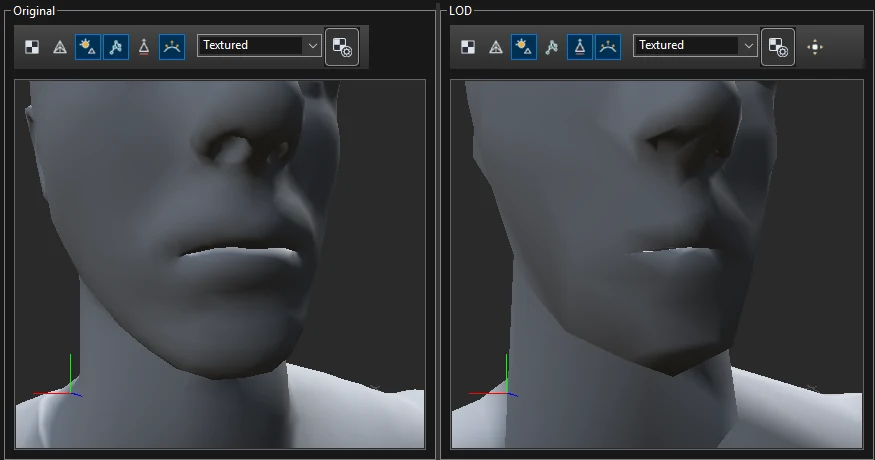
Scanned characters often carry geometry that no animation ever shows — the inside of the
mouth, teeth, parts under clothing. Removing it from the LODs frees triangles for the rest of the body. This
example removes the inner mouth of a character that never opens its mouth, and then brings back the lips,
which turned out to belong to the same piece.
1. Find and select the hidden part
Dock the Atlas Editor beside the LOD Editor (drag its tab to the right edge of the window) and zoom the
viewports on the head.
Choose Selection > Island mode.
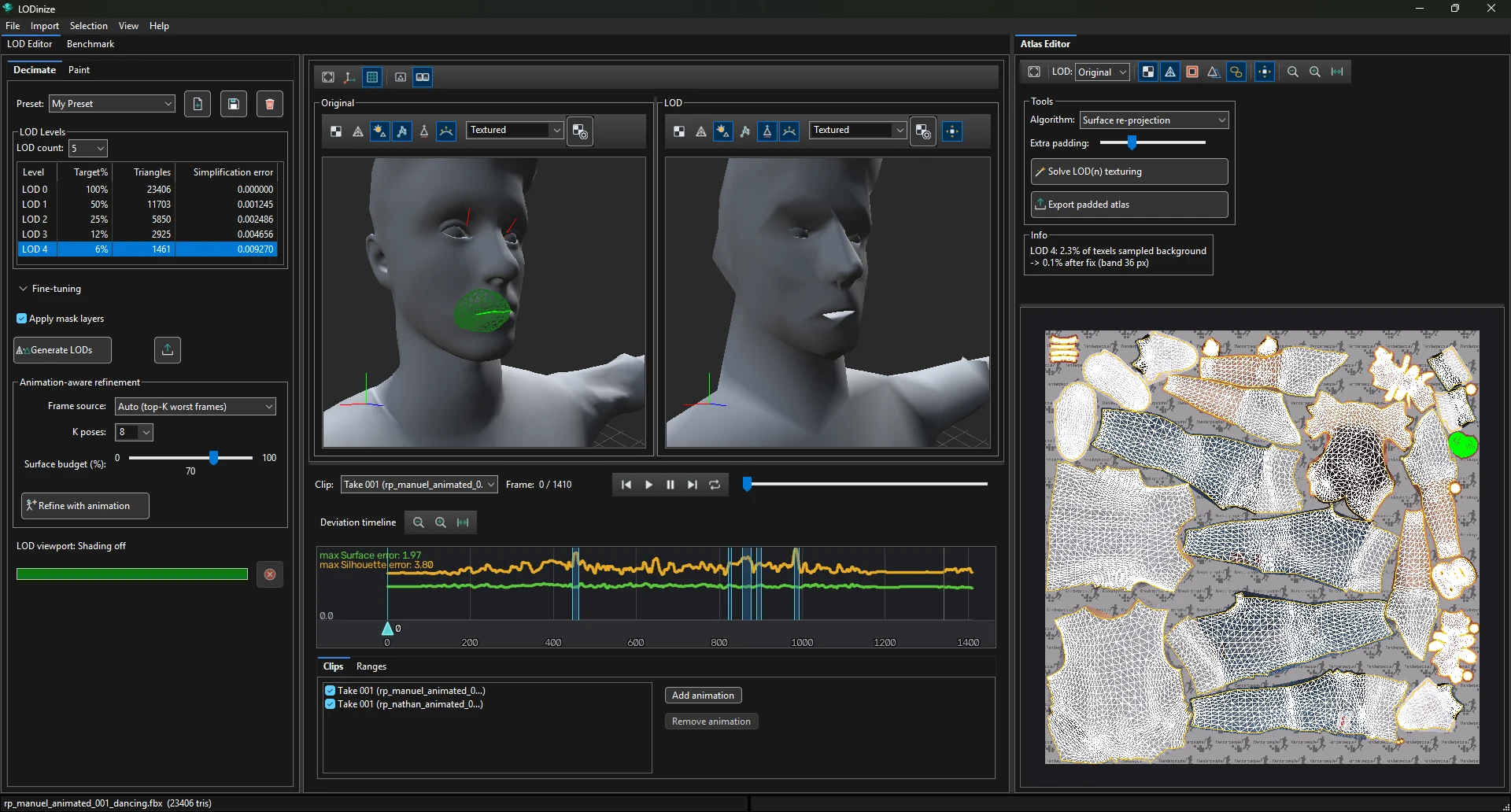
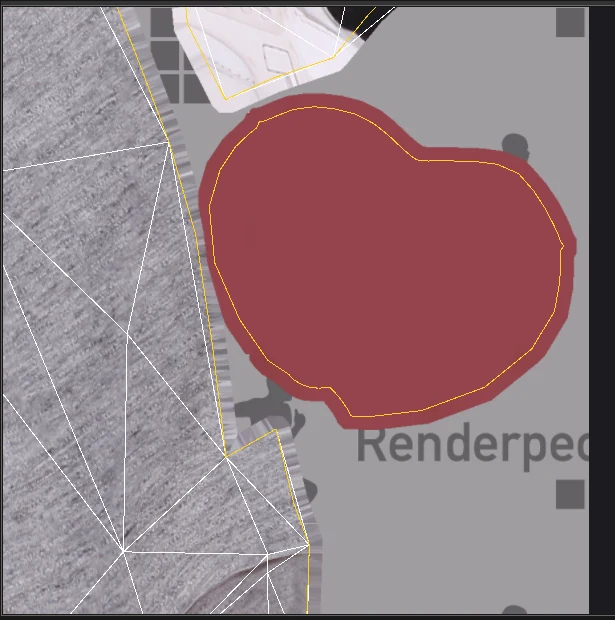
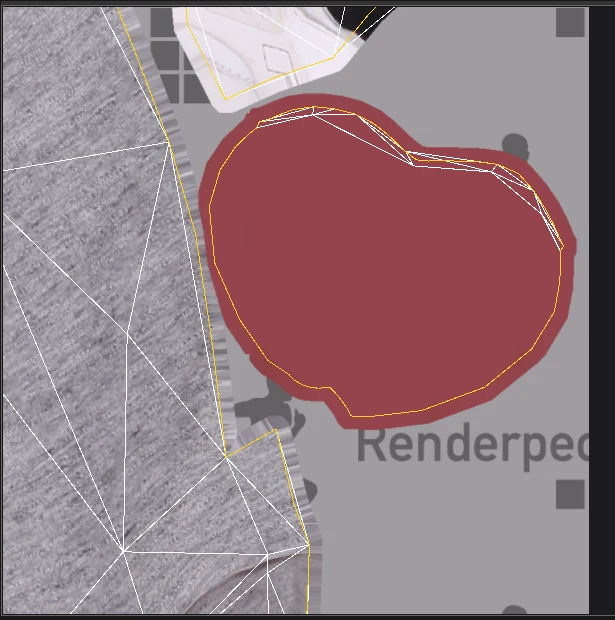
Move the pointer over the atlas. The island under it is highlighted on the 3D mesh too — scan until the
part you are looking for lights up. Hidden geometry shows in a different colour than visible geometry.
Click the island to select it (green).
2. Turn it into a Remove mask
Switch the left panel to the Paint tab, so you can see the mask layers.
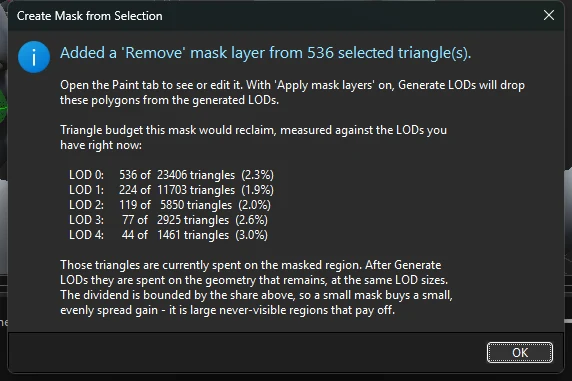
Selection > Create Mask from Selection. The confirmation shows how many triangles the
mask frees at each level — here 536 triangles, 2–3 % of every level.
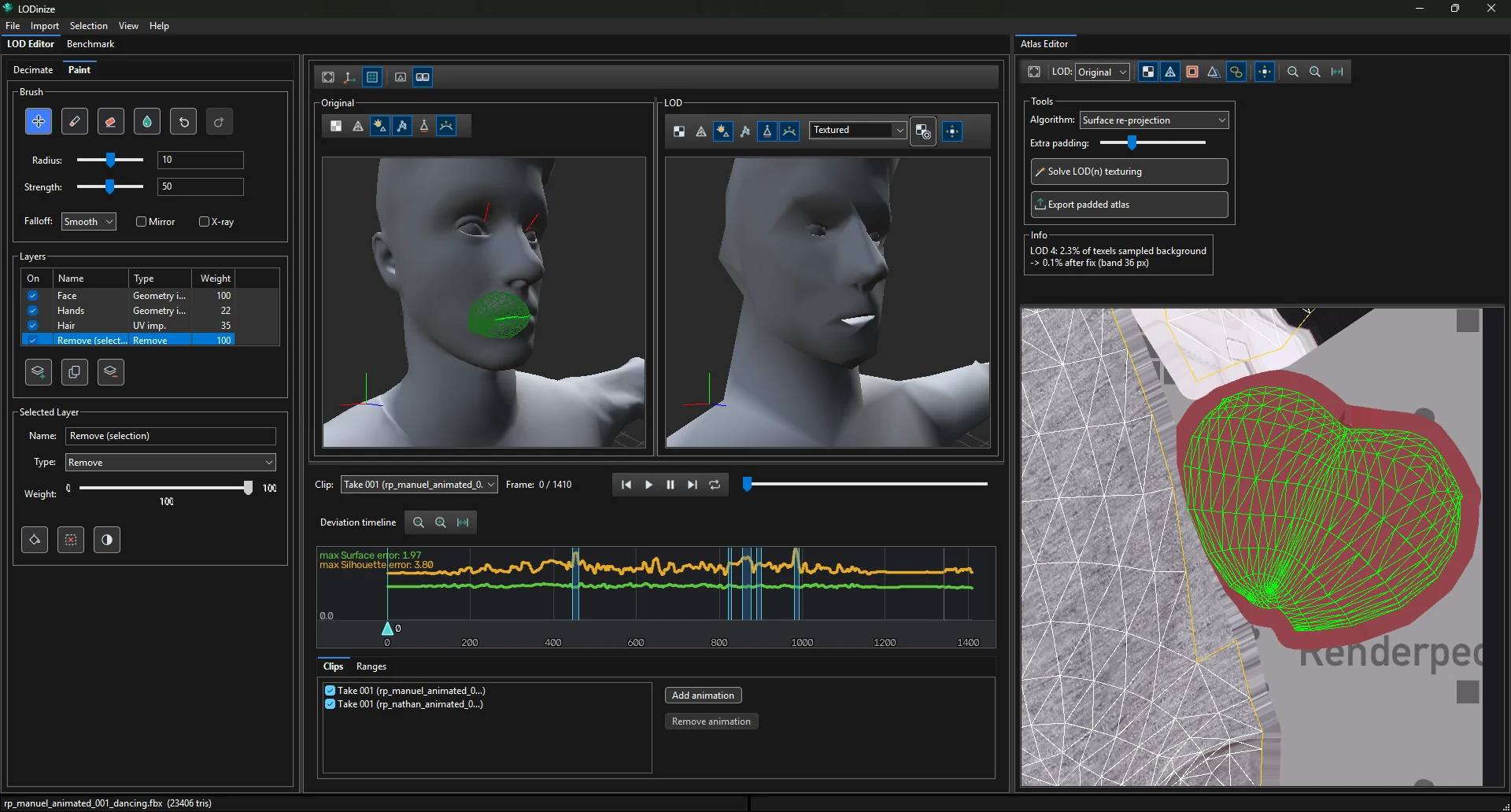
A layer Remove (selection) of type Remove appears in the layer list.
Back in Decimate, keep Apply mask layers on and click
Generate LODs. Show a LOD level (not Original) in the Atlas Editor:
the island has no LOD triangles any more.
3. Check what else went with it
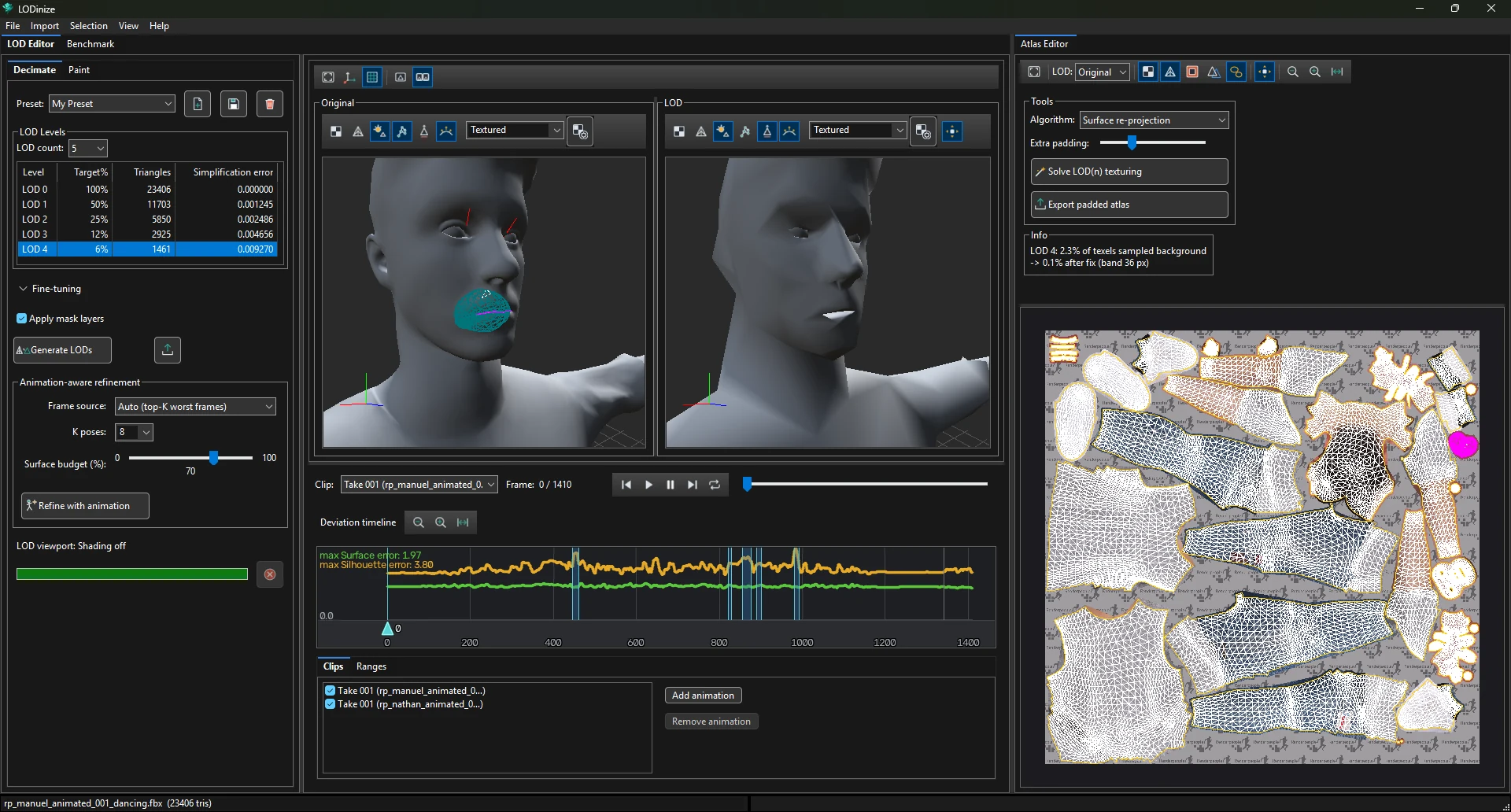
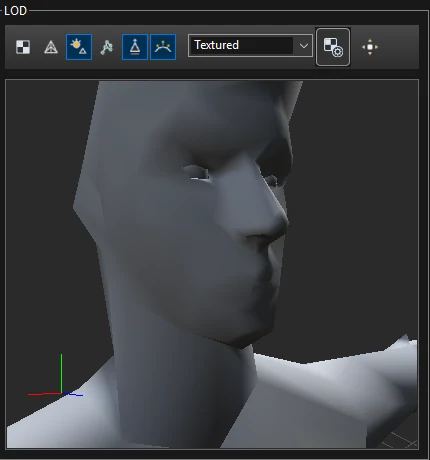
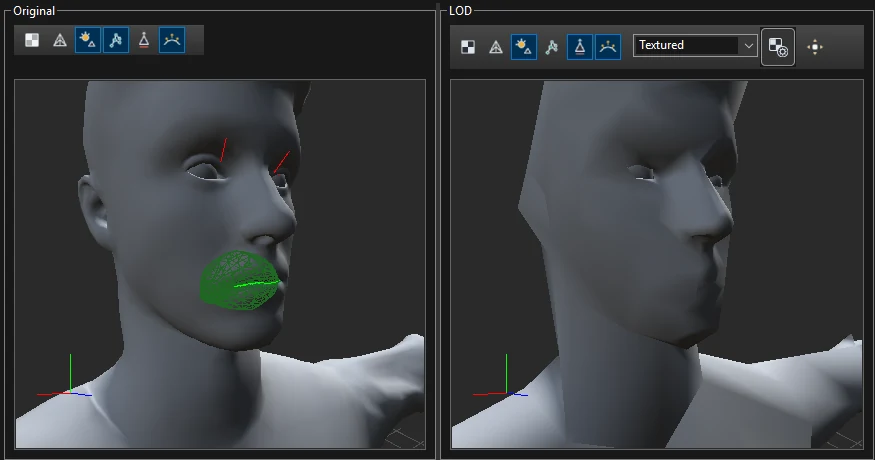
In this example the lips were part of the same island, so the LOD lost them:
Turn off Selection > Enable Selection — the mask is what counts now, and the
selection overlay only adds noise.
In the Paint tab, select the Remove (selection) layer, choose the
Erase tool and a small radius (about 1). Zoom in on the mouth from the front: the part of
the mask that is visible on the lips shows as a tint.
Brush over the lips a few times to take them out of the mask.
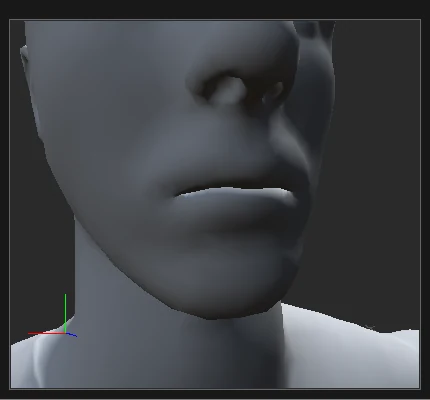
Before: mask on the lips.After erasing.
Generate LODs again. The lips are back on the LOD, while the rest of the mouth stays removed
— in the atlas only a thin strip of LOD triangles returns along the island edge.
What it gave
At the same triangle counts, the simplification error of every level went down (LOD 4: 0.0093 → 0.0074),
because the freed triangles were spent on visible geometry. Restoring the lips cost one triangle at LOD 4.
Other uses of the same technique: teeth and tongue, eyelid interiors, body parts fully
covered by clothing, or anything that is always hidden in your game's camera views.