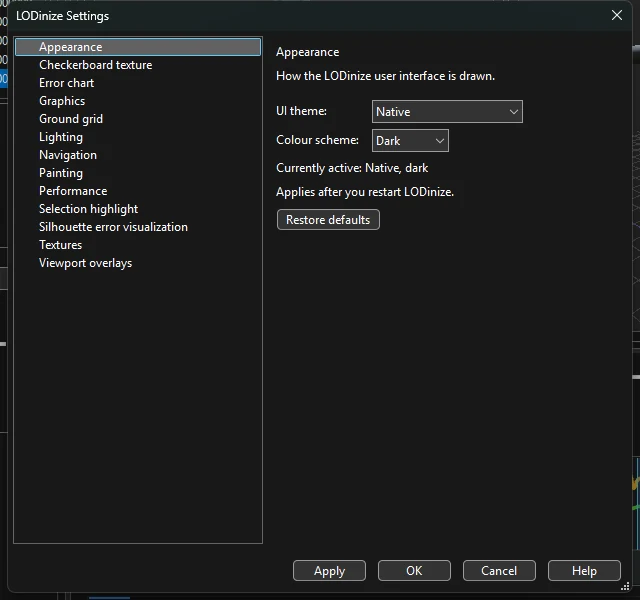
View > Settings. Pages are listed on the left; each has a Restore defaults button. Apply keeps the dialog open, OK applies and closes. The dialog opens on the page you viewed last.
| Page | What you can set |
|---|---|
| Appearance | UI theme (Native or a custom colour scheme) and Colour scheme (dark / light). Takes effect after restarting LODinize. |
| Checkerboard texture | Pattern Box size and U / V offset of the Checkerboard shading mode used to inspect UV stretching. |
| Error chart | Gap fill: how parts of the deviation timeline that are still being computed are drawn (e.g. linear interpolation). |
| Graphics | Graphics API used by all 3D views and the crowd renderer. Takes effect after restarting LODinize. |
| Ground grid | Colours of major and minor lines and of the X / Z axes; Highlight world axes. |
| Lighting | Viewport lighting Preset; ambient sky / ground colour and intensity; Key light and Fill light direction, intensity and colour. |
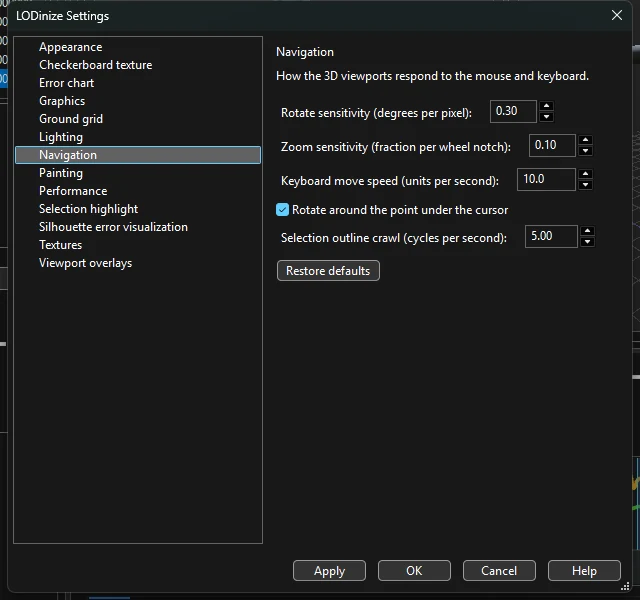
| Navigation | Rotate sensitivity, Zoom sensitivity (per wheel notch), Keyboard move speed, Rotate around the point under the cursor, Selection outline crawl speed. |
| Painting | Colours of the brush ring for Paint, Erase and Smooth, and of the mask overlay. |
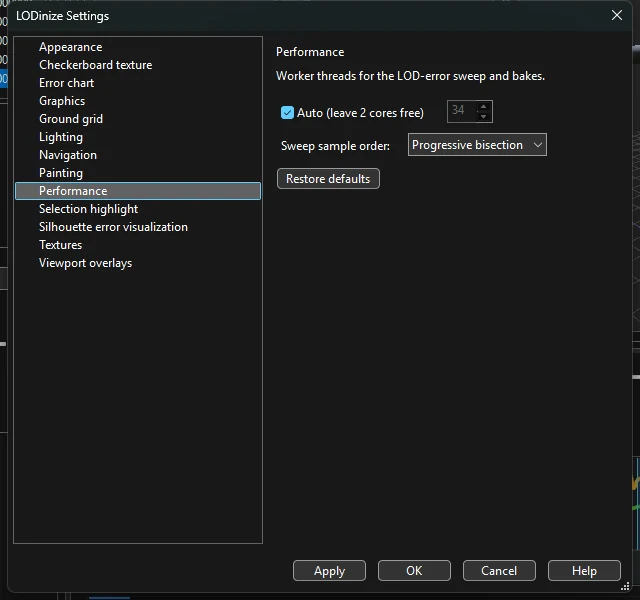
| Performance | Worker threads for computing the deviation timeline and texture solves (Auto leaves two cores free); Sweep sample order — in which order frames are evaluated, e.g. progressive bisection, so a rough curve appears quickly and fills in. |
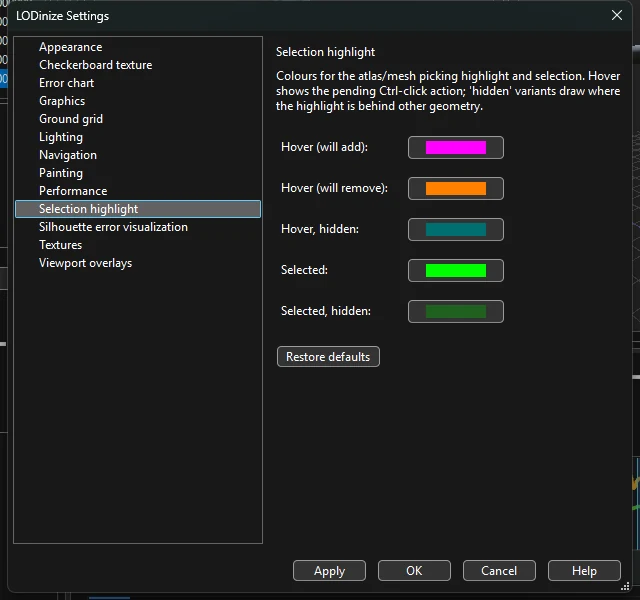
| Selection highlight | Colours for hover (will add / will remove / hidden) and for selected (visible / hidden) geometry. |
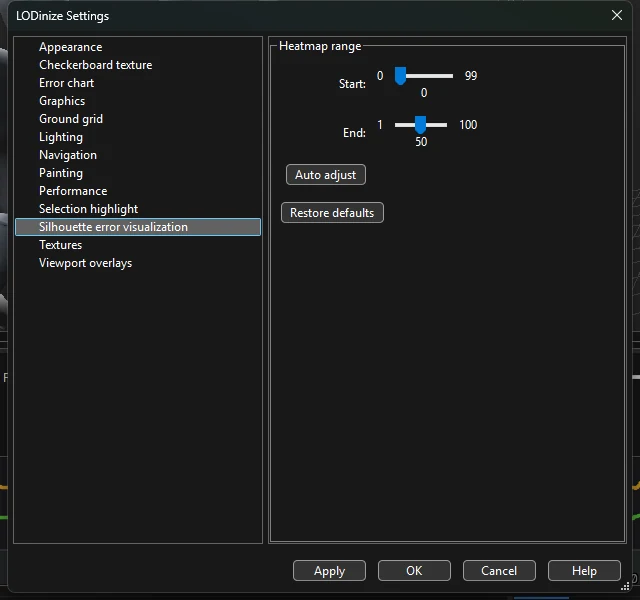
| Silhouette error visualization | Heatmap range: the Start and End of the colour scale, and Auto adjust. |
| Textures | Resolution caps for atlas textures: Atlas Editor preview and Solve / Export. Unlimited uses the source's own size; a cap never enlarges a texture. |
| Viewport overlays | Show orientation gizmo; Draw root bone (from the world origin to the first joint). |