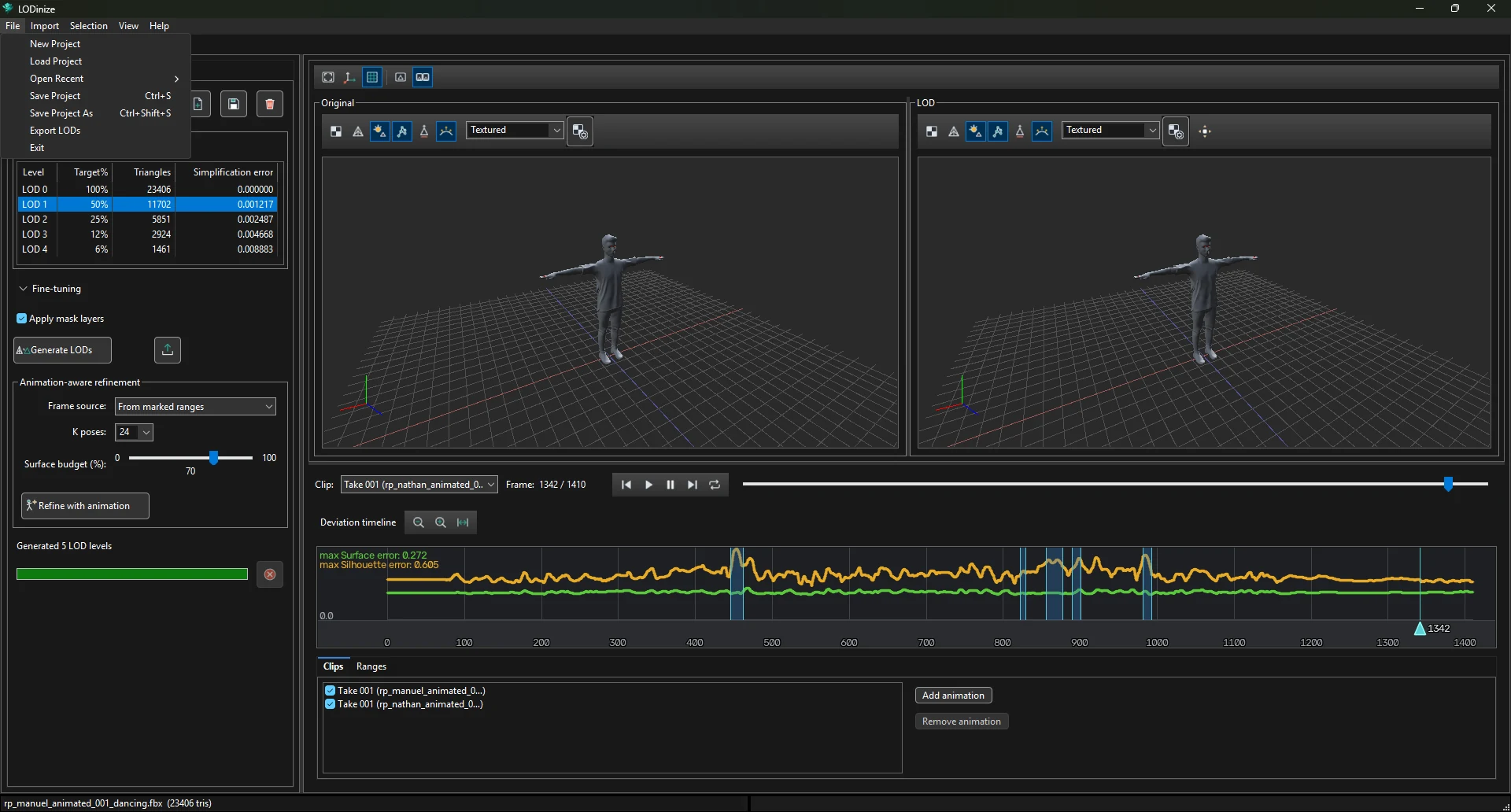
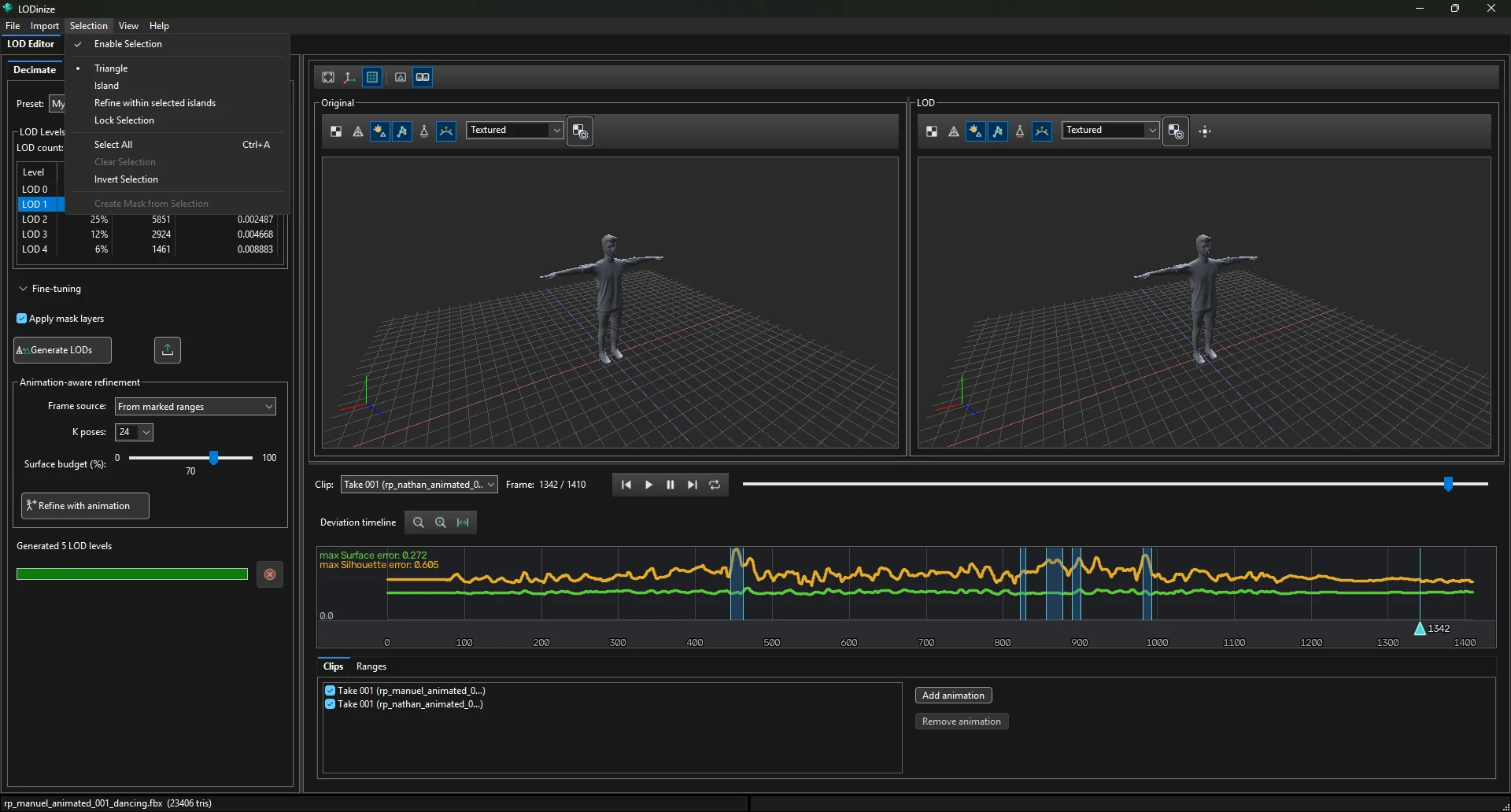
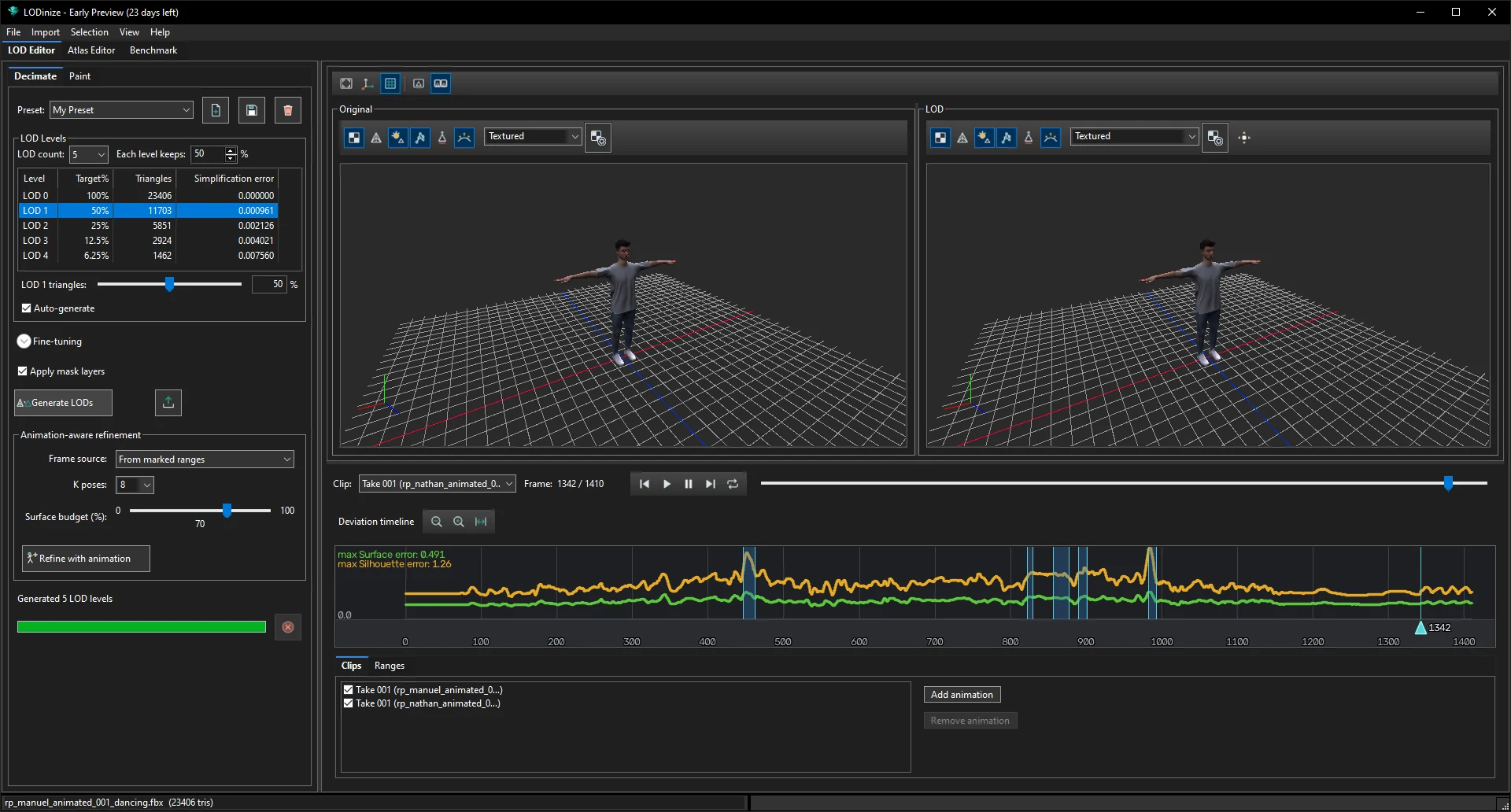
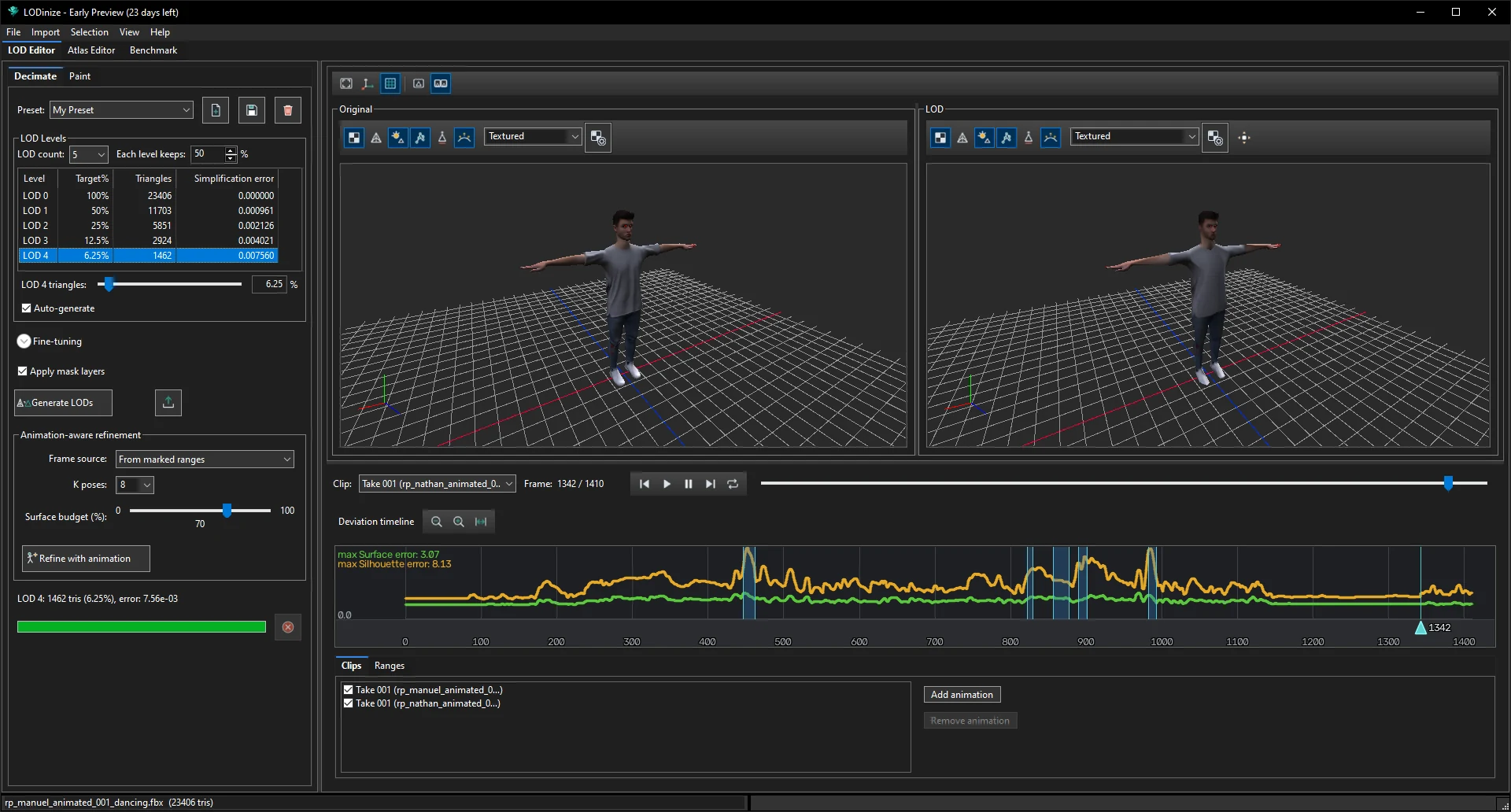
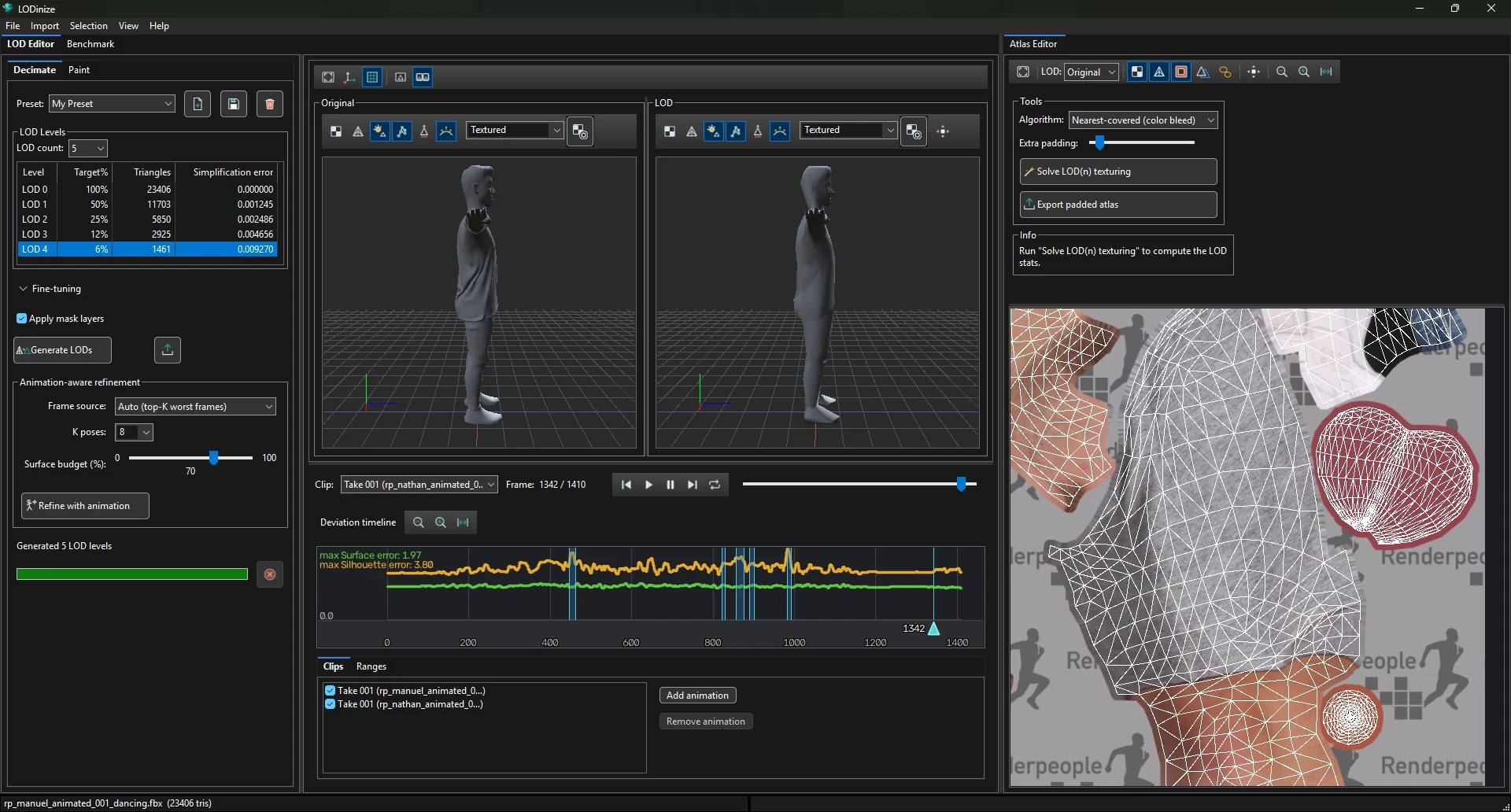
A short tour of the window, followed by the shortest path from a character file to exported LODs.
| Area | What it is for |
|---|---|
| Left panel — Decimate / Paint | Decimate: presets, the LOD levels (count and each level's target), generation and animation-aware refinement. Paint: mask brushes and mask layers. |
| Viewports — Original and LOD | The original mesh and the LOD selected in the table, sharing one camera. Each has its own toolbar (texturing, wireframe, lights, skeleton, face culling, smooth normals, shading mode). |
| Playback bar | Clip selector, frame counter, play controls and a frame slider. |
| Deviation timeline | Surface and silhouette error of the selected LOD for every frame of the evaluated clips. Click to jump to a frame; mark frame ranges. |
| Clips / Ranges | Which animations are evaluated, and the frame ranges you have marked. |
The tabs under the menu bar switch between workspaces:
Tabs can be placed side by side: drag a tab (for example Atlas Editor) towards the right edge of the window until a blue drop area appears, then release. This is handy for working on the mesh and the texture atlas at the same time.
| Menu | Contents |
|---|---|
| File | New Project, Load Project, Open Recent, Save Project (Ctrl+S), Save Project As (Ctrl+Shift+S), Export LODs, Exit. |
| Import | Load Mesh, Load Animation. |
| Selection | Enable Selection; Triangle / Island mode; Refine within selected islands; Lock Selection; Select All (Ctrl+A), Clear, Invert; Create Mask from Selection. |
| View | Settings. |
| Help | View Help, About. |