Masks tell the simplifier where detail matters, what to protect and what may be removed. You can paint them directly on the mesh, or select triangles and UV islands first and turn the selection into a mask.
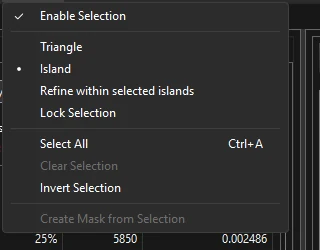
| Menu item | Purpose |
|---|---|
| Enable Selection | Turns picking and highlighting on. Turn it off to hide the selection overlay (for example after you created a mask from it). |
| Triangle / Island | Pick single triangles, or whole UV islands (connected pieces of the texture layout). |
| Refine within selected islands | Limit triangle picking — and Select All / Clear / Invert — to the islands that are currently selected. |
| Lock Selection | Keep the current selection from changing. |
| Select All, Clear Selection, Invert Selection | As named. |
| Create Mask from Selection | Turn the selection into a new mask layer. |
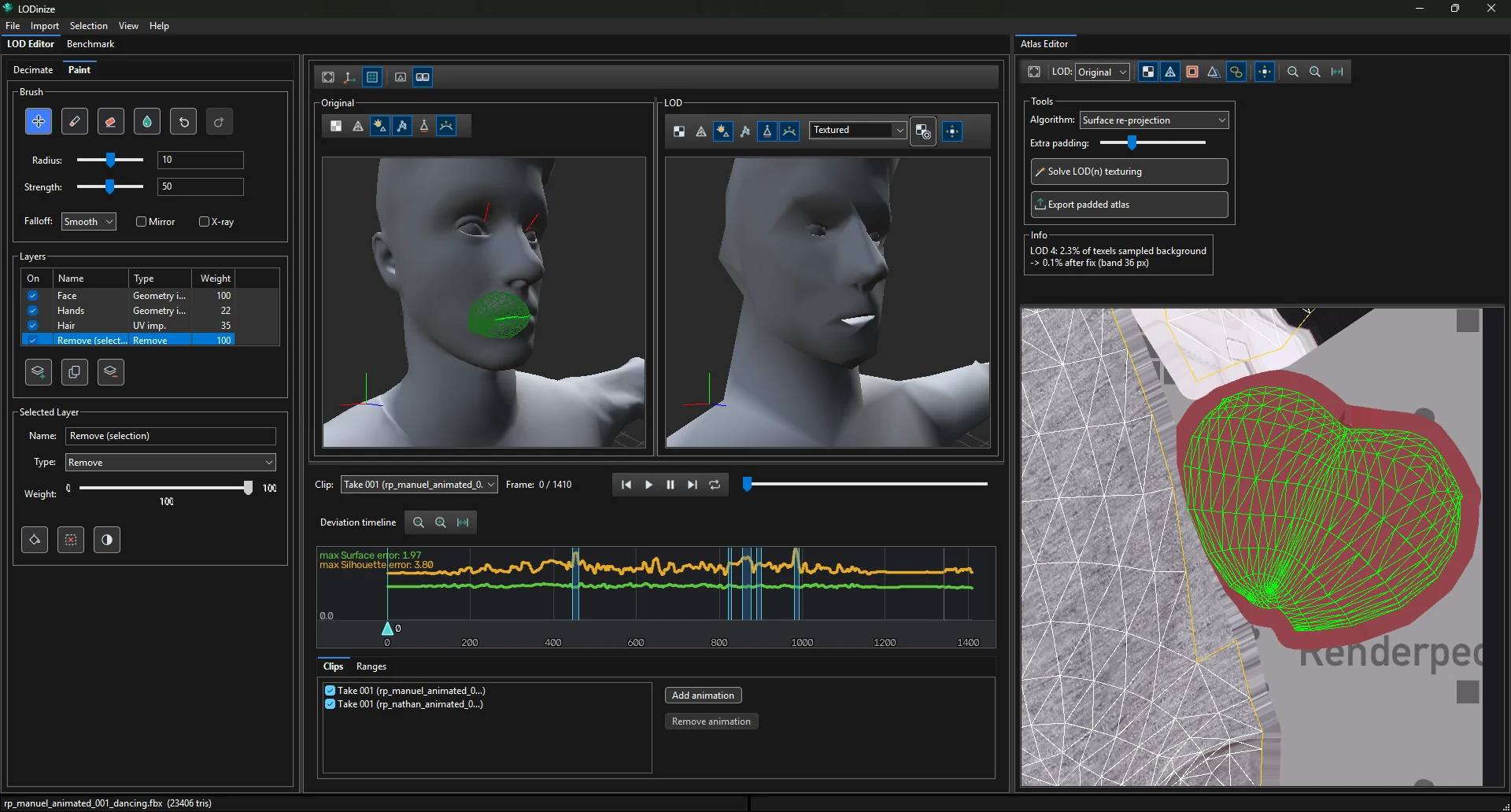
Selecting works in both the 3D viewports and the Atlas Editor. Hovering or clicking in one highlights the same triangles in the other, which makes it easy to reach geometry that is hidden on the model (inside the mouth, under clothing) but easy to find in the texture layout.
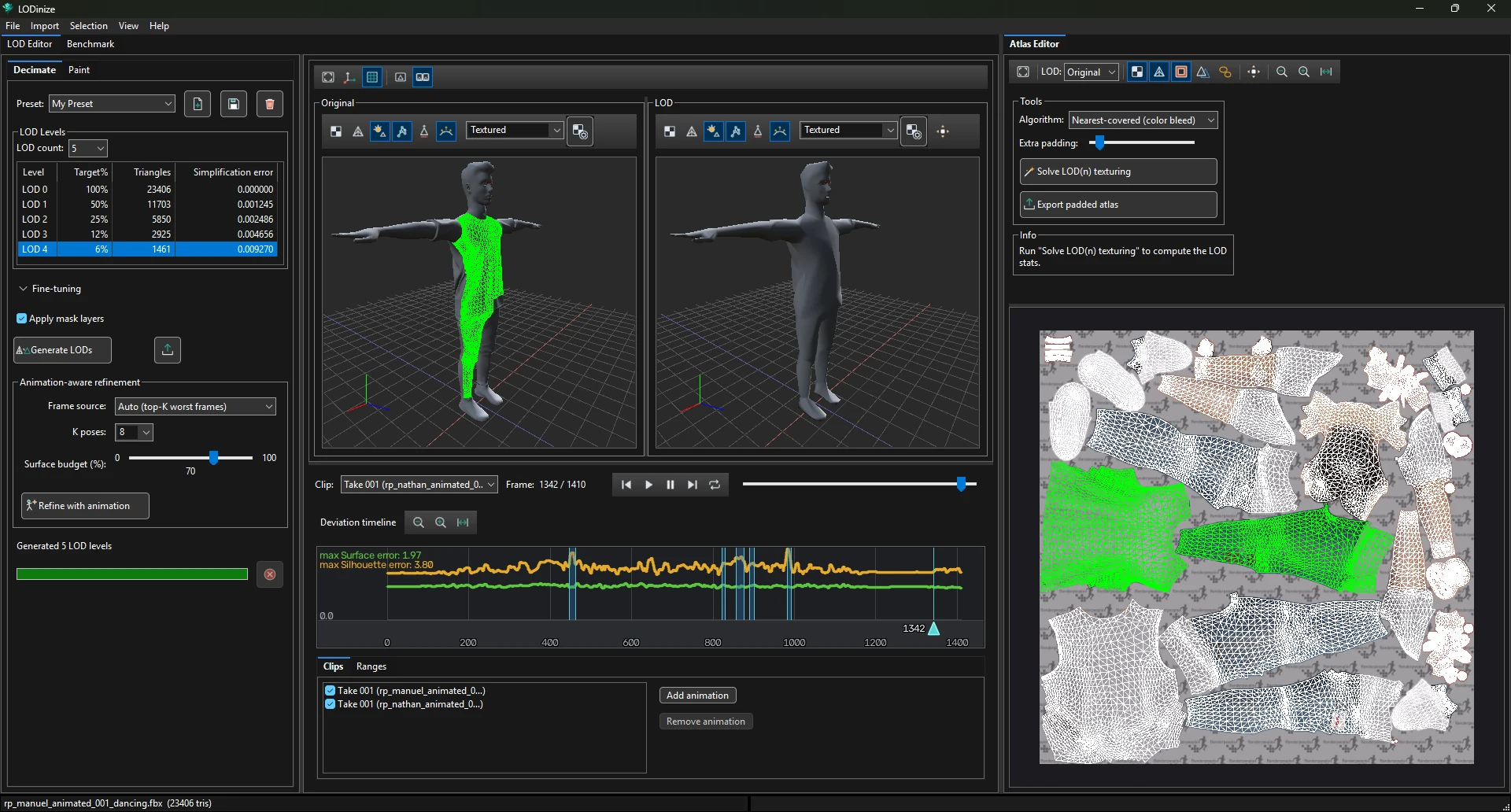
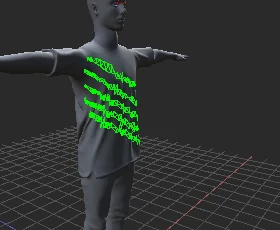
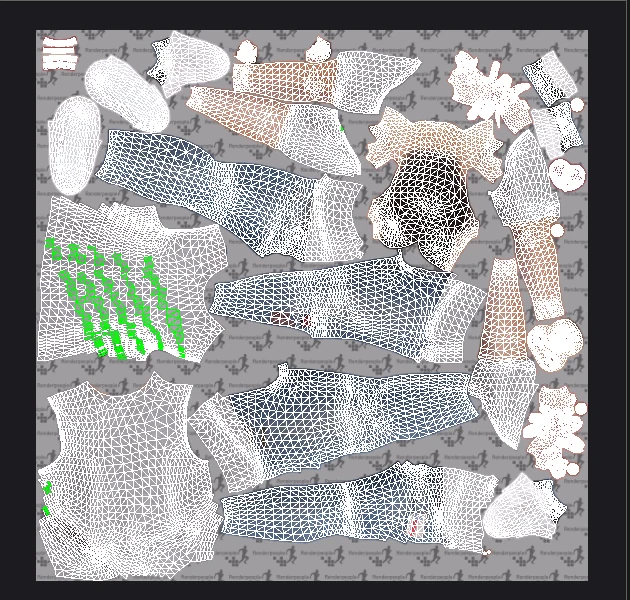
| Colour (default) | Meaning |
|---|---|
| Magenta | Hover — a click would add this |
| Orange | Hover — a click would remove this |
| Teal | Hover on geometry hidden behind other geometry |
| Green | Selected |
| Dark green | Selected, but hidden behind other geometry |
The colours can be changed in Settings > Selection highlight.
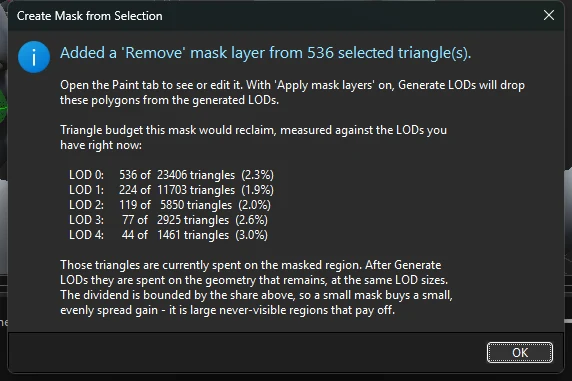
Selection > Create Mask from Selection adds a mask layer of type Remove made of the selected triangles. The confirmation shows how many triangles the mask would free at every LOD level, measured against the LODs you have now.
| Control | Purpose |
|---|---|
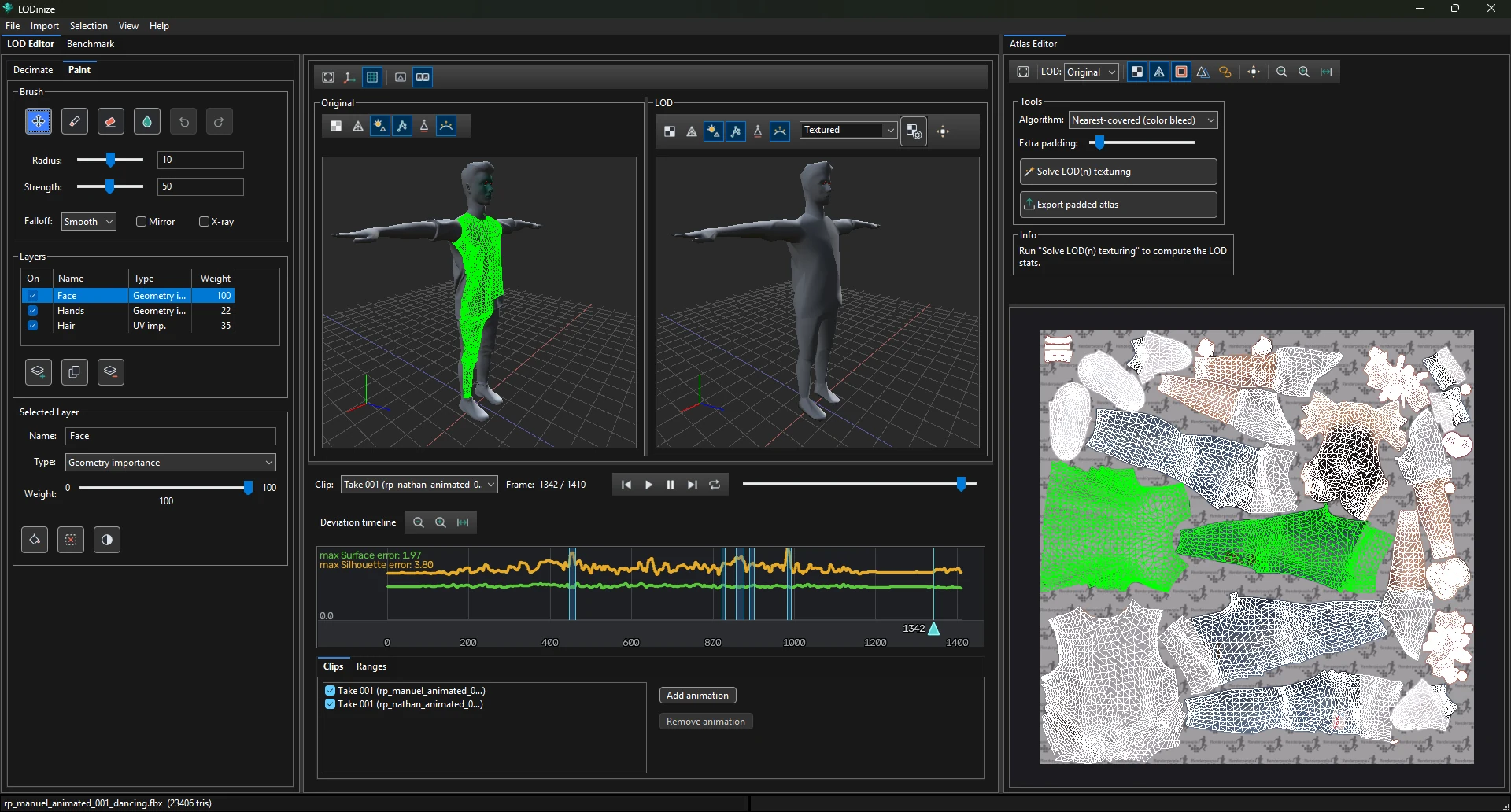
| Navigate / Paint / Erase / Smooth | Navigate the camera without painting; add mask; remove mask; smooth the mask values. |
| Undo / Redo | Ctrl+Z / Ctrl+Y |
| Radius, Strength | Brush size and how strongly a stroke changes the mask. Small radii (around 1) are useful for precise corrections. |
| Falloff | Smooth, Linear or Constant towards the brush edge. |
| Mirror | Paint symmetrically. |
| X-ray | Paint through to geometry behind the visible surface. |
| Type | Effect on the LODs |
|---|---|
| Protect | Keep the painted area from being simplified. |
| Geometry importance | Spend relatively more triangles on the painted area (by its weight) — e.g. face and hands. |
| UV importance | Preserve the texture layout more carefully in the painted area — e.g. where texture detail matters, like hair. |
| Remove | Drop the painted triangles from the generated LODs — for geometry that is never visible. Removed geometry does not count towards the measured error. |
For a worked example see Removing geometry that is never visible.
